
The starting point
You already know what needs to work better.
You understand the process. You know where it breaks. You can see the spreadsheets, the manual handoffs, the missing context, and the repetitive tasks slowing your team down.
But improving it usually means waiting for another project, another system, or another technical resource.
Pebble gives business teams a more direct path from “there has to be a better way” to a working process your team can use, improve, and repeat.
No coding required. No starting from scratch. No switching between disconnected AI tools.
How Pebble starts
Start with the outcome — not the technology.
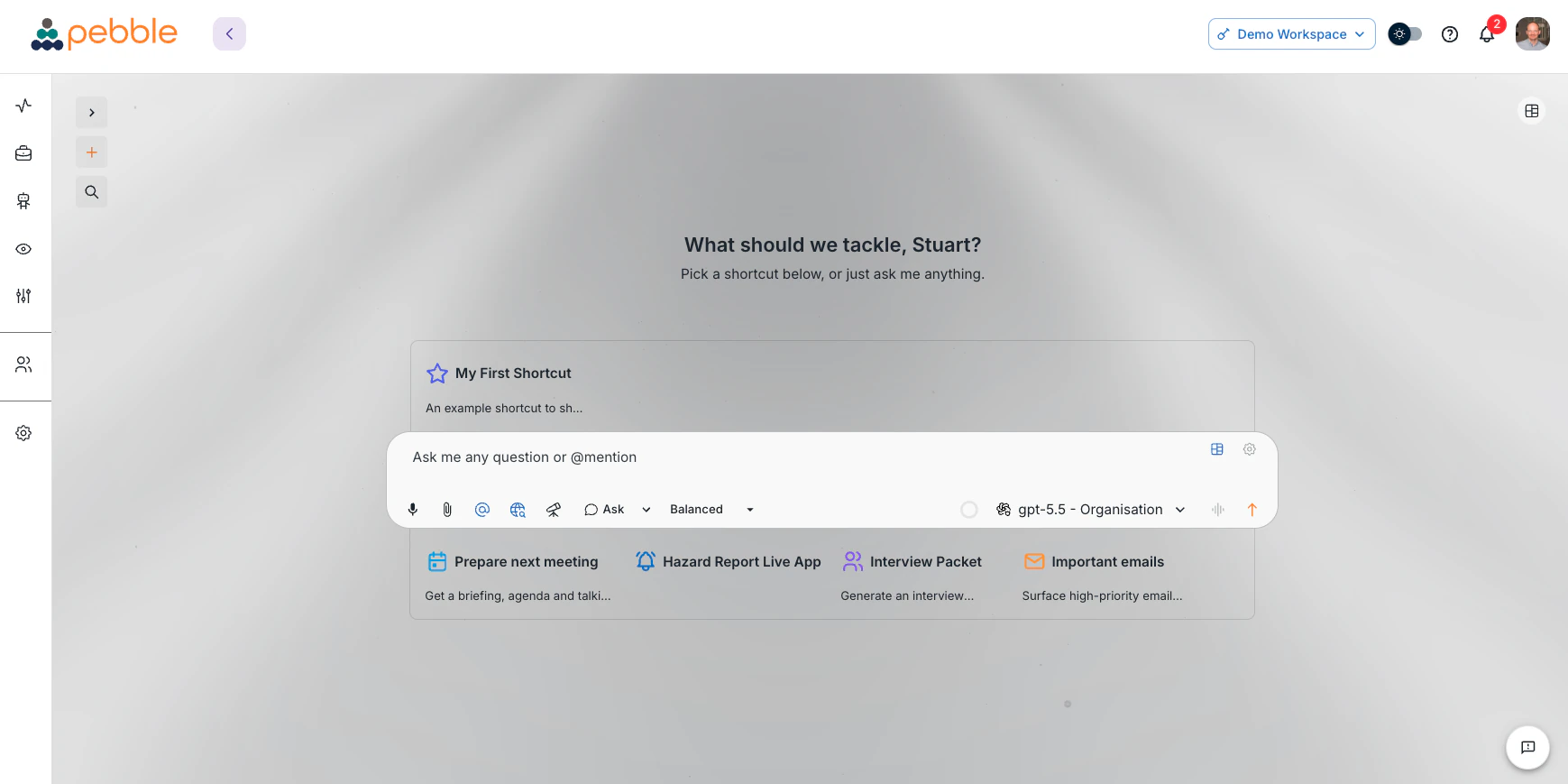
Tell Pebble what you're trying to accomplish. Bring in the documents, data, instructions, and systems involved. Then use AI to help research, analyse, draft, reconcile, report, and coordinate the work.
You don't need to choose an AI model, learn prompt engineering, or design a technical architecture. You bring the business expertise — Pebble helps turn it into a better way of working.
Real work, made repeatable.
Build a smarter prospecting process.
Identify target accounts, research their priorities, find relevant buying signals, prepare account briefs, and create personalised outreach based on your sales strategy.
Example workflow
- Define your ideal customer profile.
- Research target companies and decision-makers.
- Prioritise accounts using agreed criteria.
- Generate account briefs and outreach angles.
- Record findings and recommended actions for sales.
Outcome: reps spend less time assembling information and more time engaging the right prospects.
Improve our prospecting→Produce commission reports your team can trust.
Bring together sales results, compensation plans, exceptions, and approval rules. Use AI to identify discrepancies, explain calculations, and prepare reports for review.
Example workflow
- Collect closed sales and compensation data.
- Apply commission rules and eligibility criteria.
- Flag missing records, exceptions, and mismatches.
- Generate representative-level calculations.
- Prepare a reviewable report with supporting evidence.
Outcome: faster reporting, fewer manual errors, and a clearer path from sales activity to commission payment.
Improve commission reporting→Connect leads to sales outcomes.
Trace website activity from the original campaign and form submission through qualification, handoff, opportunity creation, and revenue outcome.
Example workflow
- Combine website, campaign, lead, and CRM data.
- Match leads to accounts and sales activity.
- Identify incomplete or delayed handoffs.
- Attribute opportunities to campaigns and touchpoints.
- Generate reports for marketing and sales review.
Outcome: clearer attribution, better handoffs, and more confidence in where marketing investment is working.
Improve lead attribution→Make recurring work easier to run.
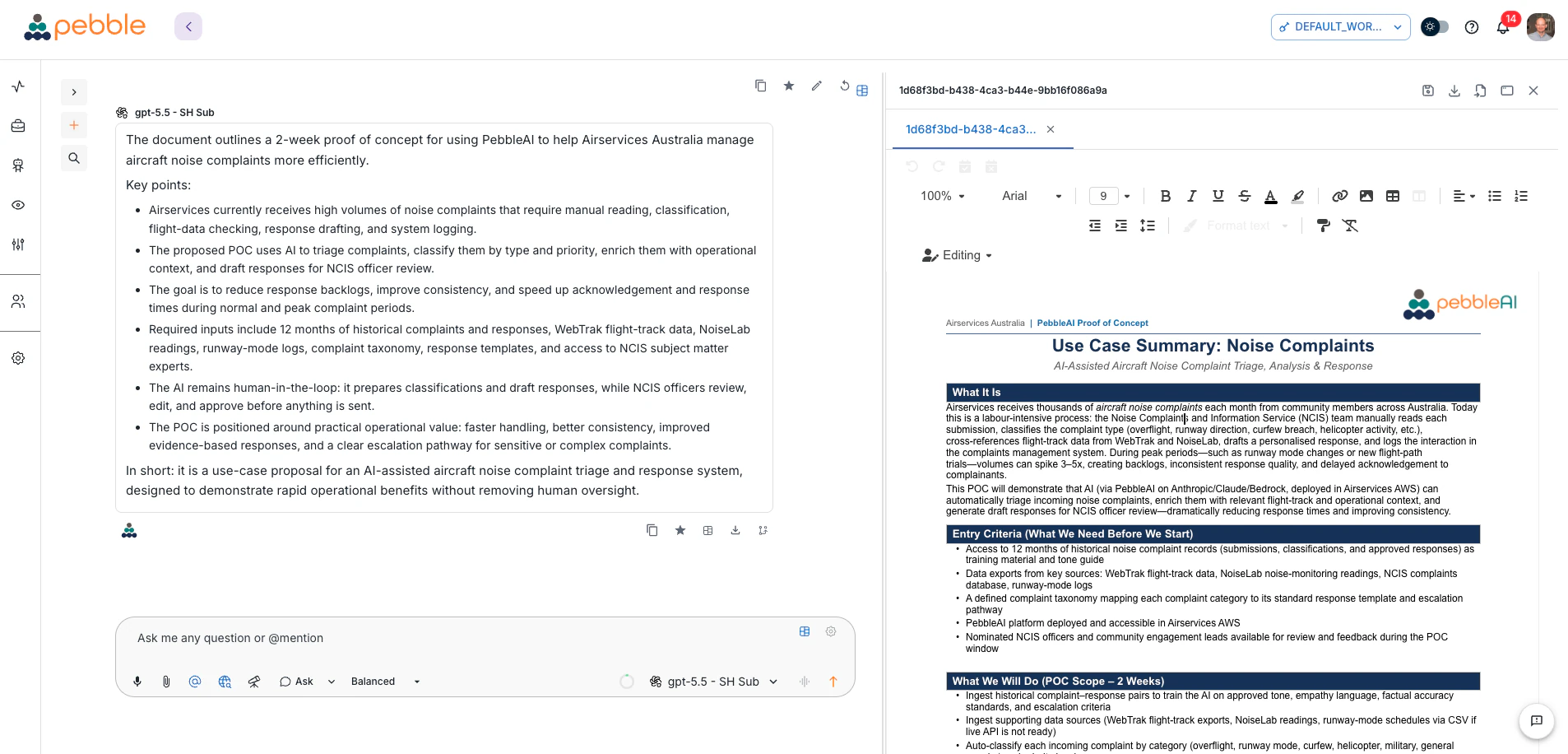
Turn policies, spreadsheets, checklists, emails, and team knowledge into a consistent process that can gather information, analyse it, and prepare an output for review.
Use Pebble for
Outcome: less time assembling the work and more time acting on it.
Explore business workflows→How it works
From business problem to better process.
Describe the outcome
Start with what you want to improve — “help my team find better prospects,” “create an accurate monthly commission report,” “show which website leads became opportunities.”
Connect the work
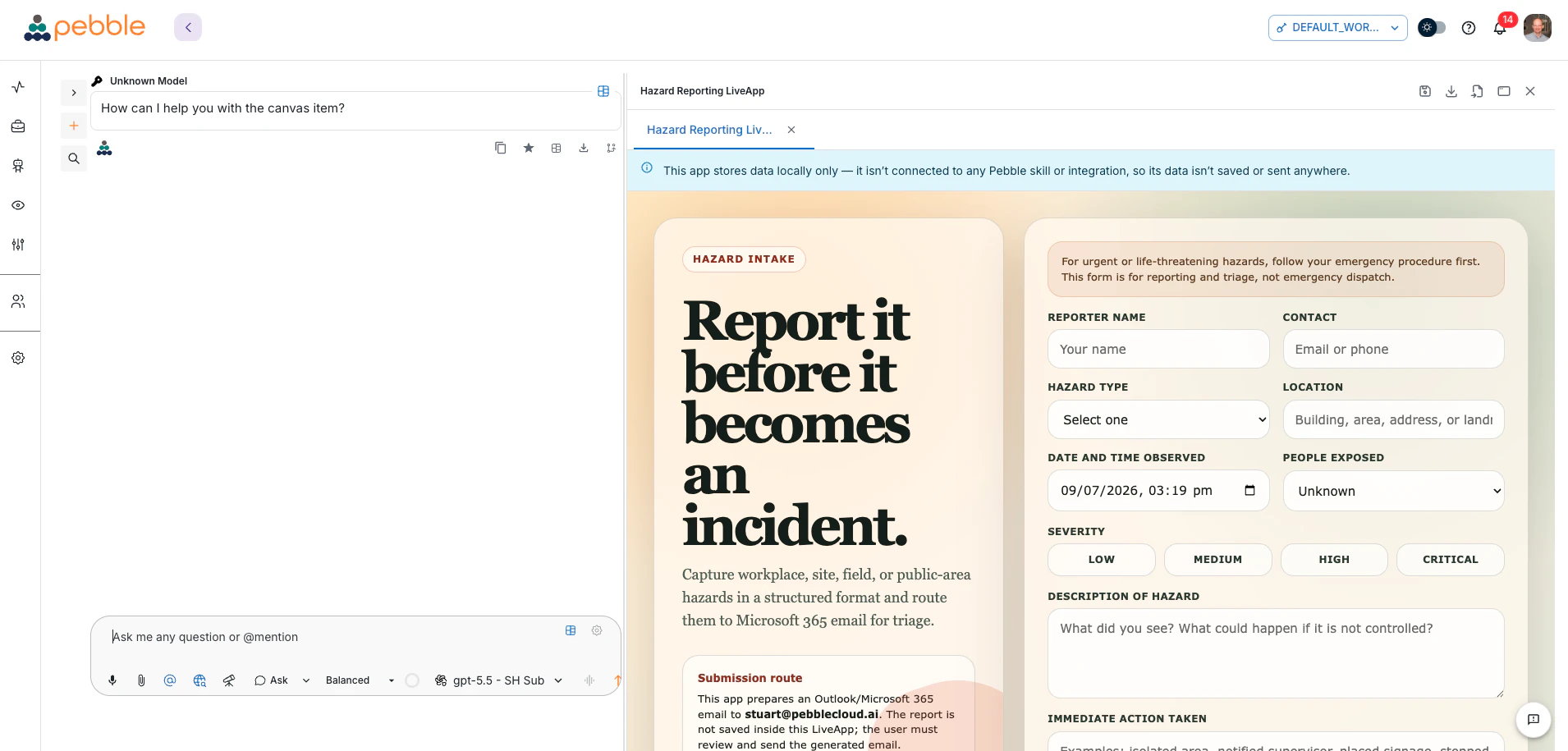
Bring together the relevant knowledge and tools: documents, spreadsheets, email, CRM records, Microsoft 365, SharePoint, internal systems, and approved external sources.
Build the workflow
Define the steps, instructions, business rules, expected outputs, and the points where a person needs to review or decide.
Run, review, improve
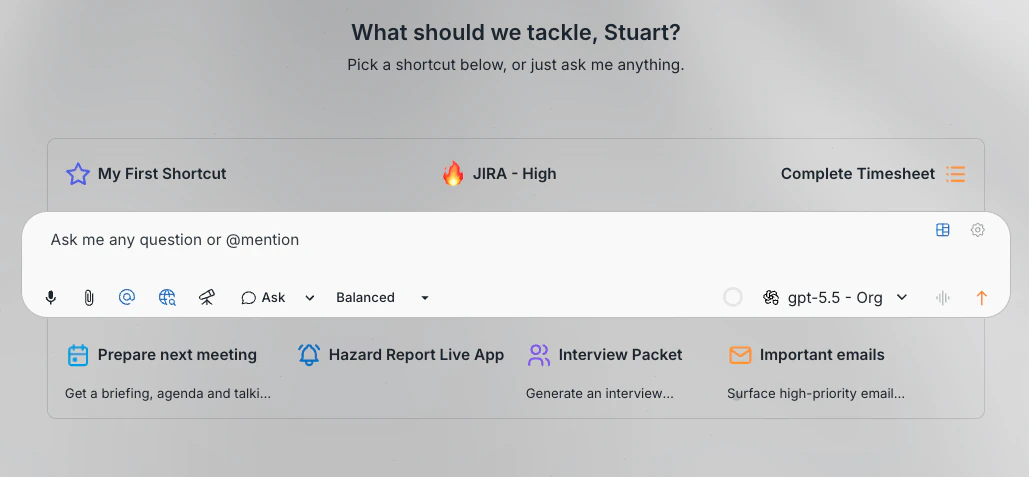
Test the workflow against real work, refine the process, then publish the successful approach to your team's shared shortcut tray so everyone runs it the same way.
Your business experts stay in control. AI helps them move from idea to repeatable execution.
Works with the models and tools you already run
Your organisation's knowledge
Company documents, policies, and operating procedures become answerable context — in document stores that refresh on a schedule, so the process doesn't quietly run on last quarter's file.
Connected business tools
Microsoft 365, SharePoint — including on-prem farms that never reach Microsoft Graph — plus Jira, HubSpot, Monday.com, Freshservice, and other authorised systems.
The right model, chosen for you
API keys, AWS Bedrock, centrally managed ChatGPT and Claude subscriptions, or a local Ollama endpoint — switch mid-conversation without losing the thread, and without anyone managing their own AI accounts.
Built for the people who run the business.
Sales leaders
Build repeatable prospecting, account-planning, pipeline-review, and customer-engagement processes.
Finance & revenue operations
Reconcile data, apply business rules, investigate exceptions, and produce accurate, reviewable reports.
Marketing teams
Research markets, create content, analyse campaign performance, improve lead handoffs, and connect activity to outcomes.
Customer success teams
Prepare account reviews, identify customer risks, summarise interactions, and coordinate follow-up actions.
Operations leaders
Standardise recurring processes, reduce manual coordination, and give teams better information for decisions.
Service-delivery teams
Find the right information, draft consistent responses, prepare case materials, and improve service quality and speed.
More useful than a chatbot. More accessible than a development project.
A chatbot can answer a question. A traditional automation project can take months. Pebble sits between those two extremes: a workspace for solving the immediate problem, then a way to turn what worked into a process your team repeats.
| A standalone chatbot | Pebble |
|---|---|
| Handles one conversation at a time | Supports repeatable business processes |
| Depends on what the user remembers to include | Uses approved organisational knowledge and connected tools |
| Produces isolated answers | Produces reports, analyses, drafts, and structured outputs |
| Leaves each user to invent their own approach | Lets teams reuse what already works |
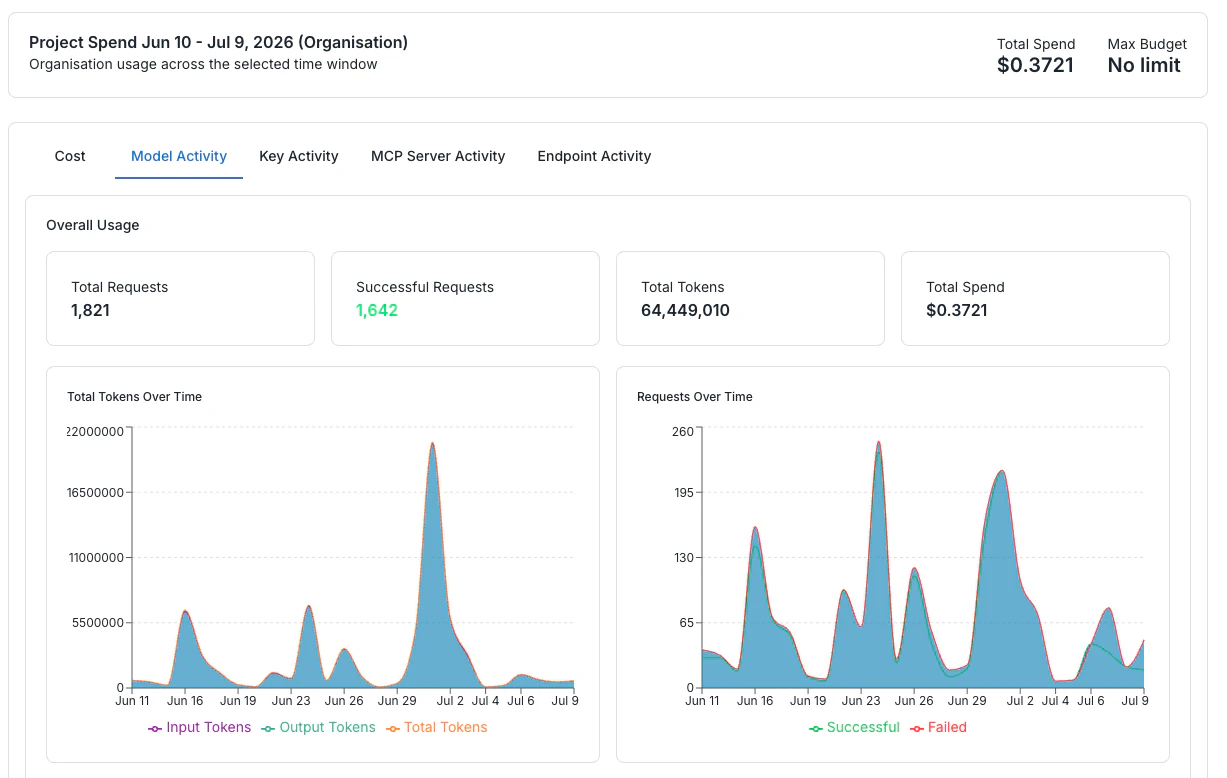
| Offers limited organisational visibility | Provides governed access, usage insights, and operational oversight |
The confidence layer
Move faster without working around your organisation.
Pebble gives technology, security, and governance teams the controls they need — so business users spend less time negotiating access and more time improving the work.
The guardrails stay in the background. The opportunity stays in front of you.
Measure better work — not just AI usage.
Pebble helps teams evaluate results in business terms:
The goal isn't simply to use more AI. It's to improve how work gets done.
Built for regulated work
For teams that can't afford to guess where their data went.
From the blog

How do I distribute AI capabilities to different teams with different requirements?
Stuart Hirst · 6 Jul 2026 · 3 min read
Data privacy
How do I keep my business data private whilst using AI?
Stuart Hirst · 6 Jul 2026 · 4 min read
Model optionality
How do I get the latest AI without switching platforms or providers?
Stuart Hirst · 6 Jul 2026 · 4 min read
Business continuity
How do I manage risk when my business becomes dependent on AI?
Stuart Hirst · 6 Jul 2026 · 4 min read